Get Started: AI in Azure
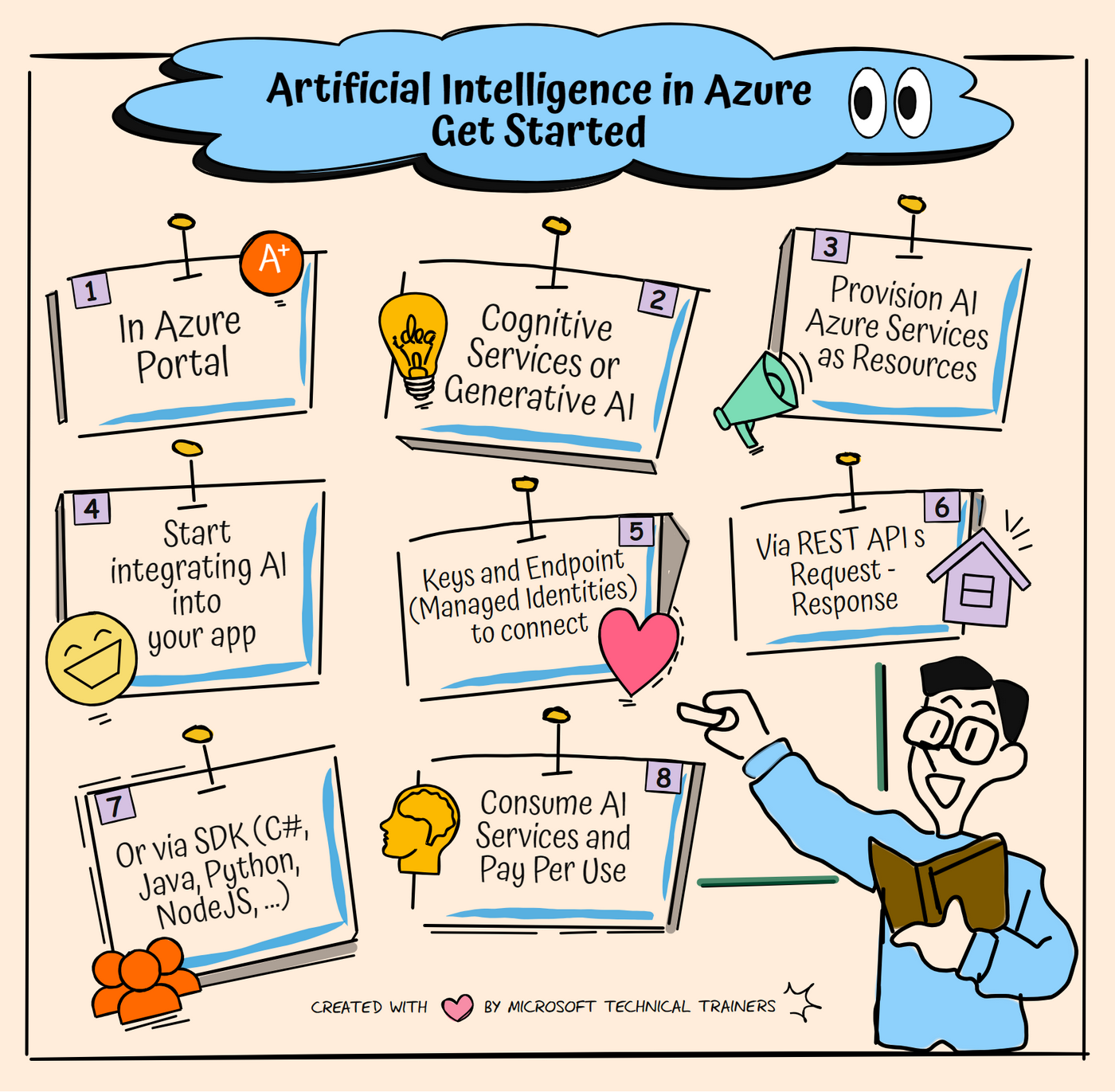
AI in Azure offers a range of cloud services designed to help you build intelligent applications. Heres how to get started:
Steps to Get Started
- Navigate to the Azure Portal: Log in to manage your Azure services
- Choose Cognitive Services or Generative AI: Select the AI service that fits your needs, like Computer Vision or Speech
- Provision AI services: Set up your AI service by choosing the pricing tier, region, networking options, and managed identities
- Integrate AI into your applications: Add AI capabilities to your apps, such as image recognition or natural language processing
- Connect using managed identities, keys, or endpoints: Securely connect to your AI services
- Use REST APIs: Send HTTP requests and receive responses from the AI services
- Use SDKs: Alternatively, use SDKs in languages like C#, Java, Python, and NodeJS
- Consume and pay per use: Use the AI services as needed and pay based on your usage