Azure OpenAI - Provisioning and Deployment
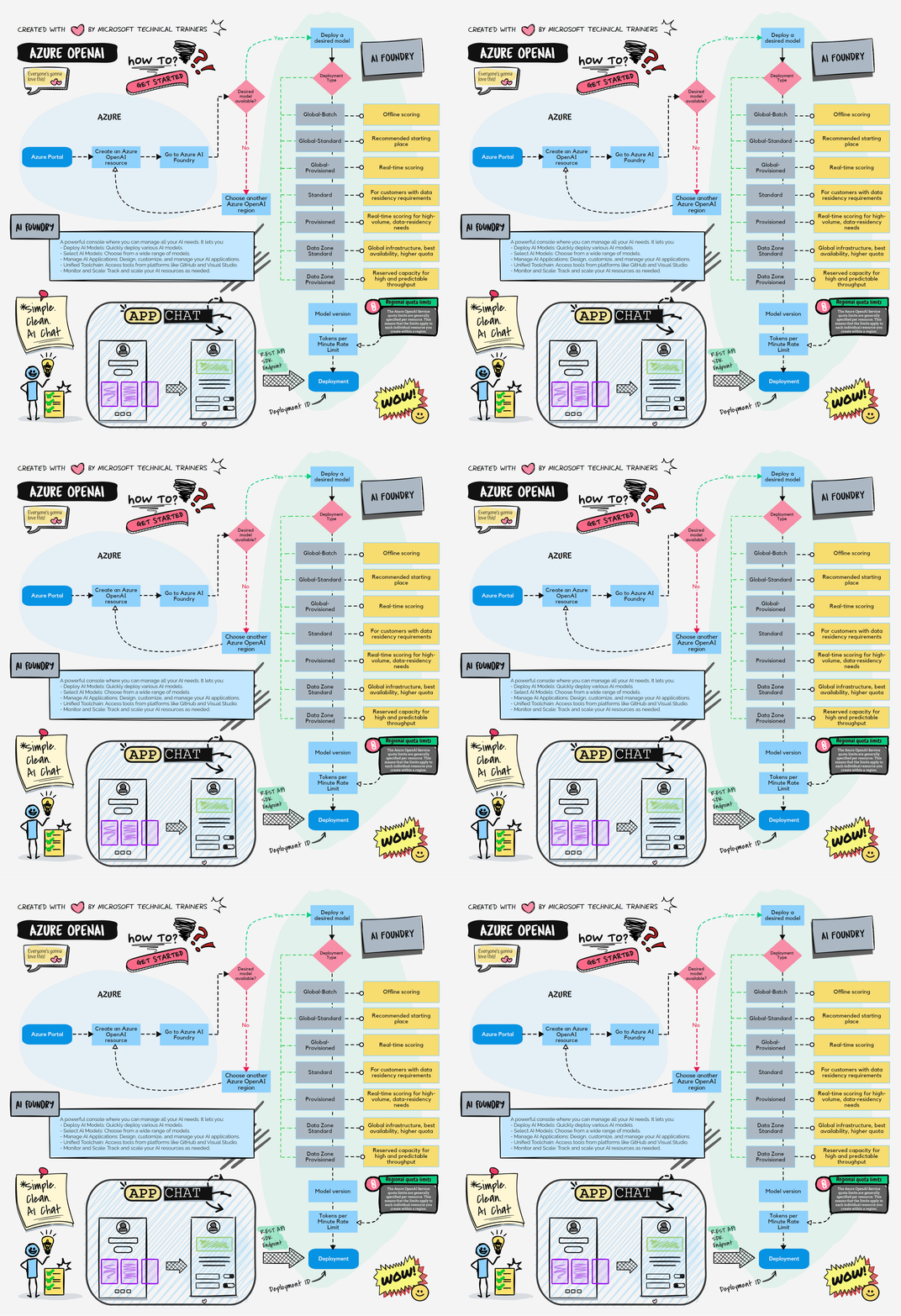
Above illustrates the process of provisioning Azure OpenAI, we start by using the Azure Portal. First, navigate to the Azure AI Foundry where you can select the appropriate model for your needs, such as GPT-4, GPT-4o, etc. Before users can consume the model, they need to select the model and create a deployment. There are several types of deployments available:
Deployment Types
- Azure Portal: Start by using the Azure Portal to navigate to Azure AI Foundry.
- Select Model: Choose the right model (e.g., GPT-4, GPT-4o) 🧠.
- Create Deployment:
- Global-Batch: For offline scoring 🕒.
- Global-Standard: Recommended starting point 🌍.
- Global-Provisioned: For real-time scoring with high volume 📈.
- Standard: General-purpose deployment.
- Provisioned: For high-volume workloads.
- Data Zone Standard: Leverages Azure global infrastructure for best availability and higher default quotas.
- Data Zone Provisioned: Global infrastructure, best availability, reserved capacity for high and predictable throughput.
- Deploy: Once deployed, the application calls the Azure OpenAI endpoint using the deployment ID 🔗, using the SDK REST API.
🎬 Video Explanation
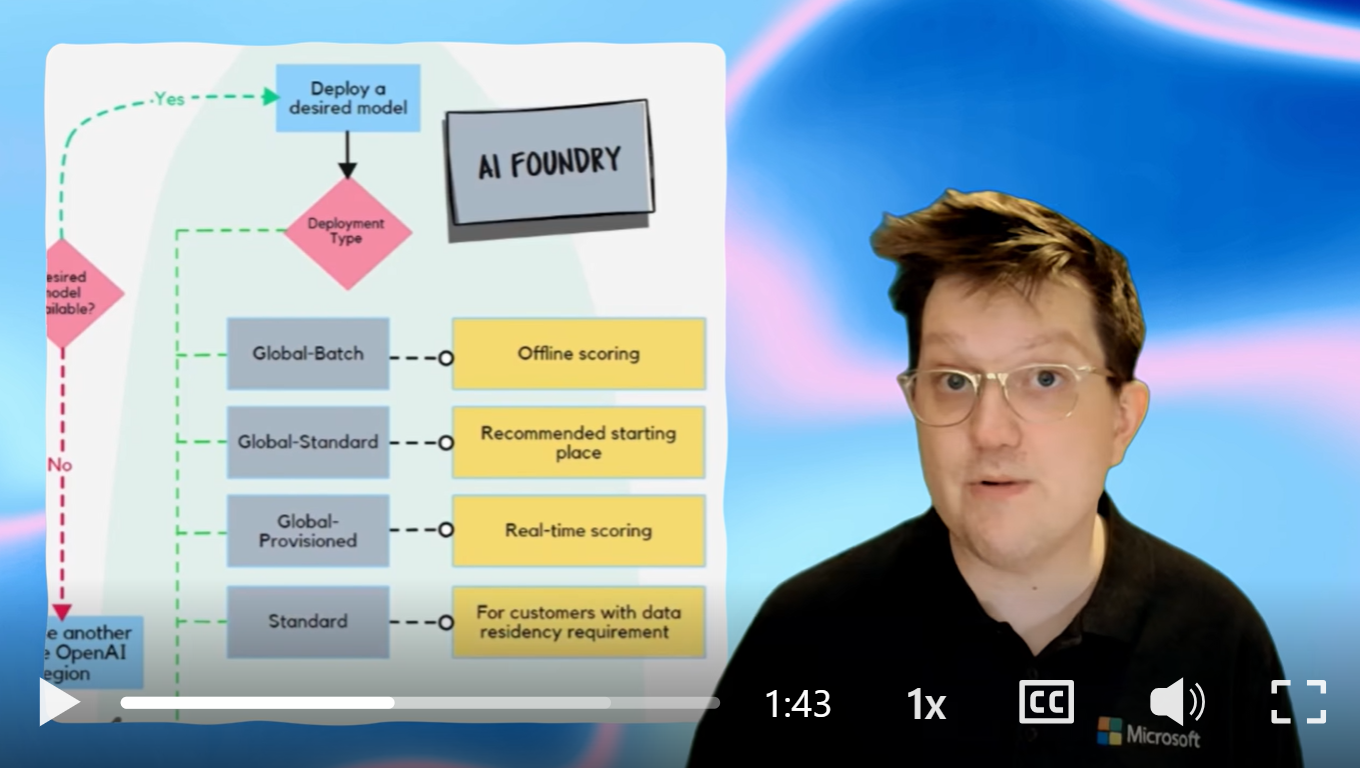
Click the video below for recorded explanations by Lachlan Matthew-Dickinson.