 Azure Animations
Azure Animations
Azure Animations
Get started with Microsoft Foundry through engaging, animated explainers. Eight short stops take you from your first Foundry project to extracting structured data from documents, audio, and video.
Follow the eight animations in order. Each one builds on the last — from understanding Foundry's structure to extracting structured data from documents, audio, and video.
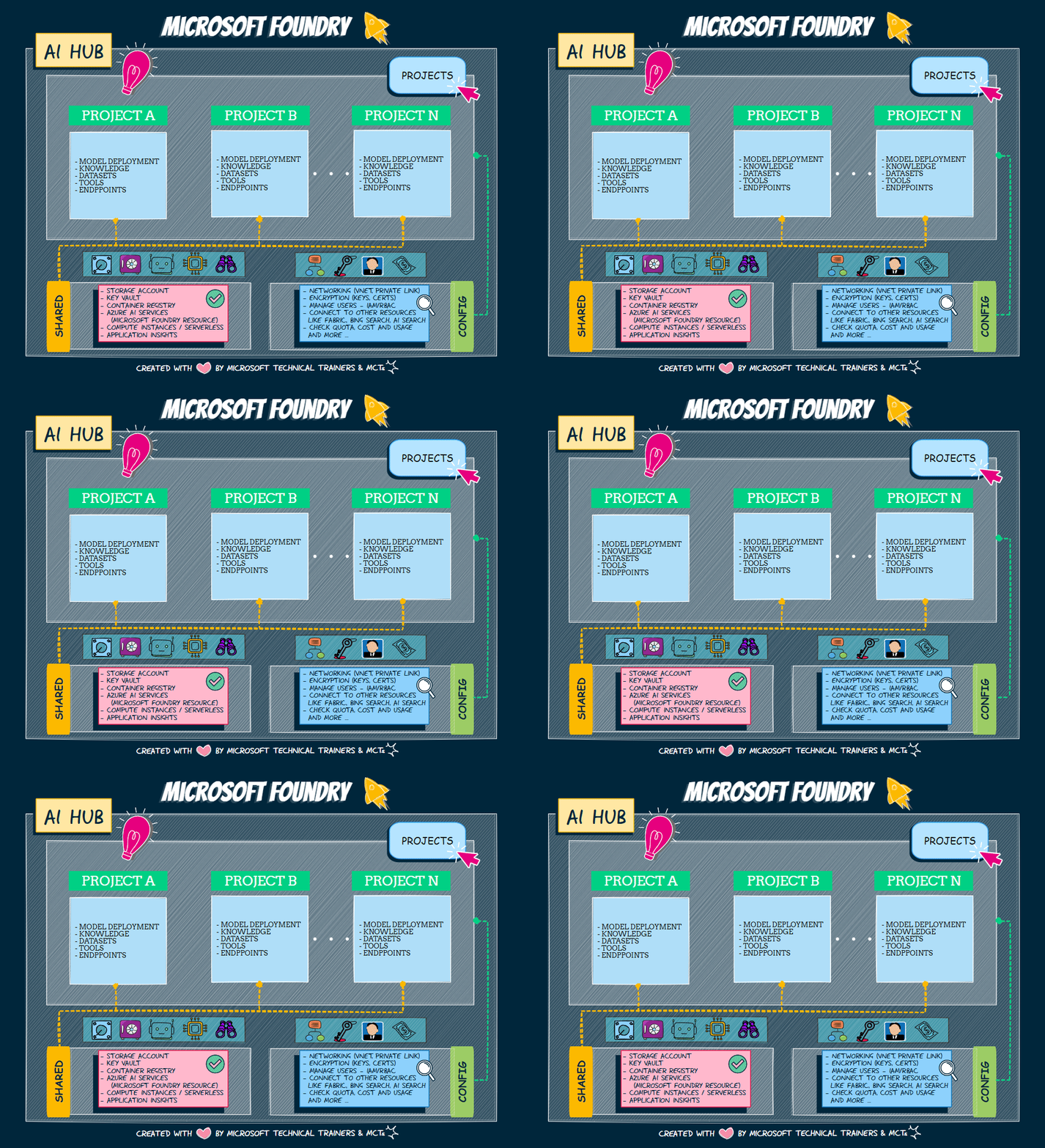
See how hubs and projects organize your work, share resources, and set the boundaries for everything you build.
Start step 01 →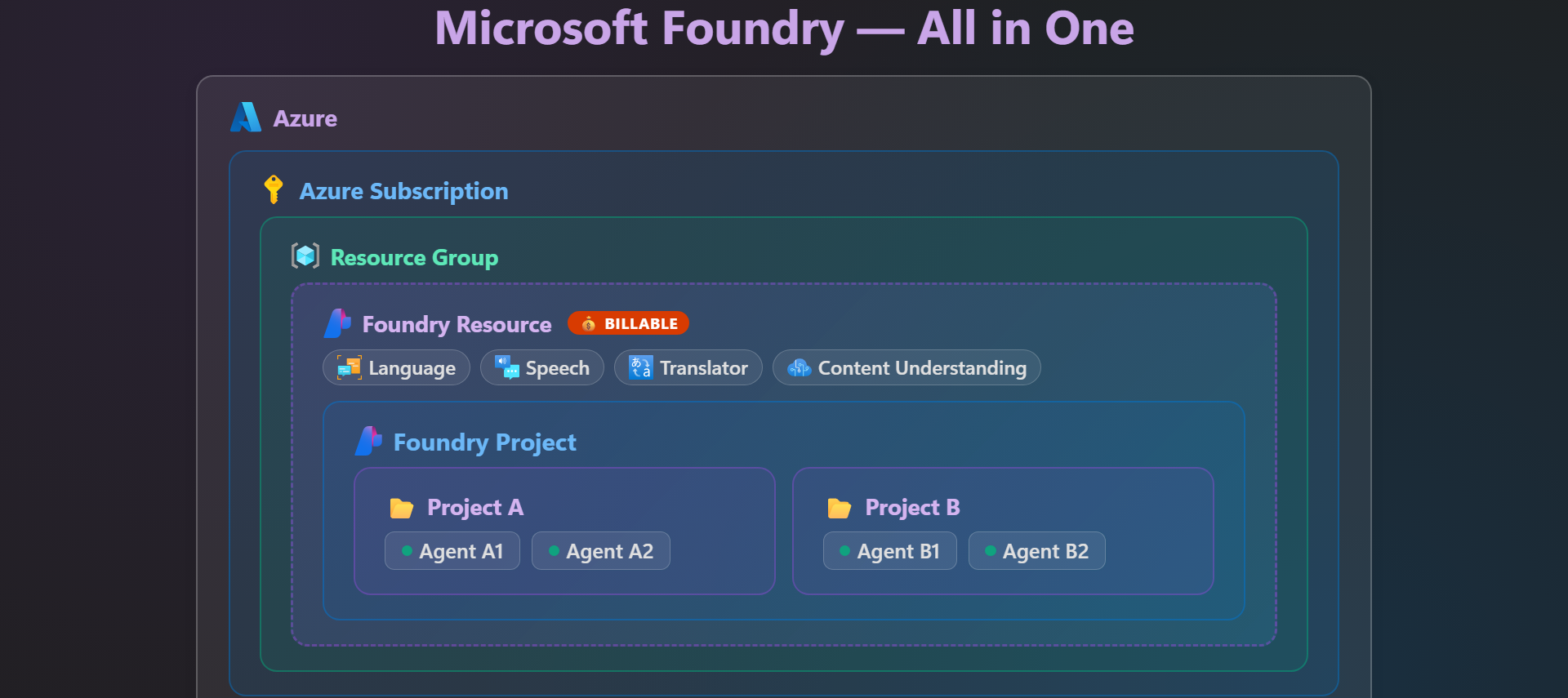
Tour the redesigned Microsoft Foundry experience and learn where the tools you need actually live.
Start step 02 →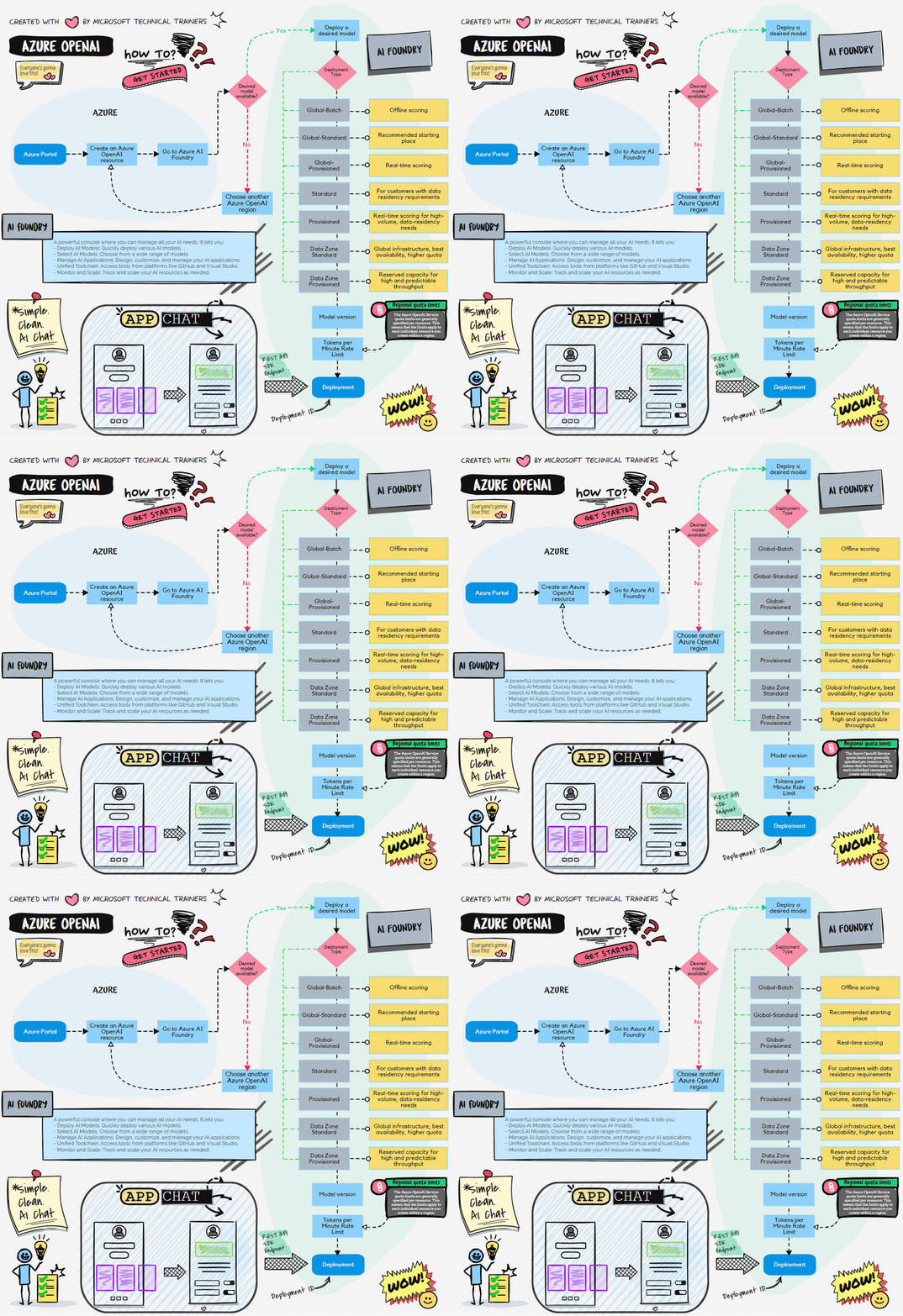
Understand the difference between deploying a raw model and composing an agent — and when to reach for each.
Start step 03 →Break down the anatomy of an AI agent — model, instructions, tools, and memory — and bring it all together.
Start step 04 →See how apps and agents call Azure Language over SDK, REST, and MCP — for language detection, key phrases, sentiment, PII, and summarization.
Start step 05 →Explore speech to text, text to speech, speech-to-speech agents, and Voice Live — the building blocks for apps and agents that listen and talk.
Start step 06 →Explore how multimodal models analyze images, plus generate images and video with GPT-Image and Sora in Foundry.
Start step 07 →Turn invoices, recordings, and videos into structured JSON with Azure Content Understanding analyzers and schemas in Foundry.
Start step 08 →One connected flow: start in Microsoft Foundry, pick a model from the catalog, deploy it, and build an agent — some models can even see images and video. Then plug in MCP to reach Language, Speech, and Content Understanding.
The journey above maps directly to official Microsoft credentials. Build intuition with the animations, then validate your skills with these exams.
Start here. Validate foundational knowledge of AI and machine learning concepts and the Azure AI services that support them.
View certification →
Go deeper. Prove you can build, deploy, and manage AI apps and agents on Azure — the natural next step after the journey.
View certification →Ready to test yourself? Take a free, official practice assessment — built by the same team behind the exams. You get a score report with the answer and rationale for every question, and you can retake it as many times as you like.


