Microsoft Copilot Unpacked: What's Free and What's for Work
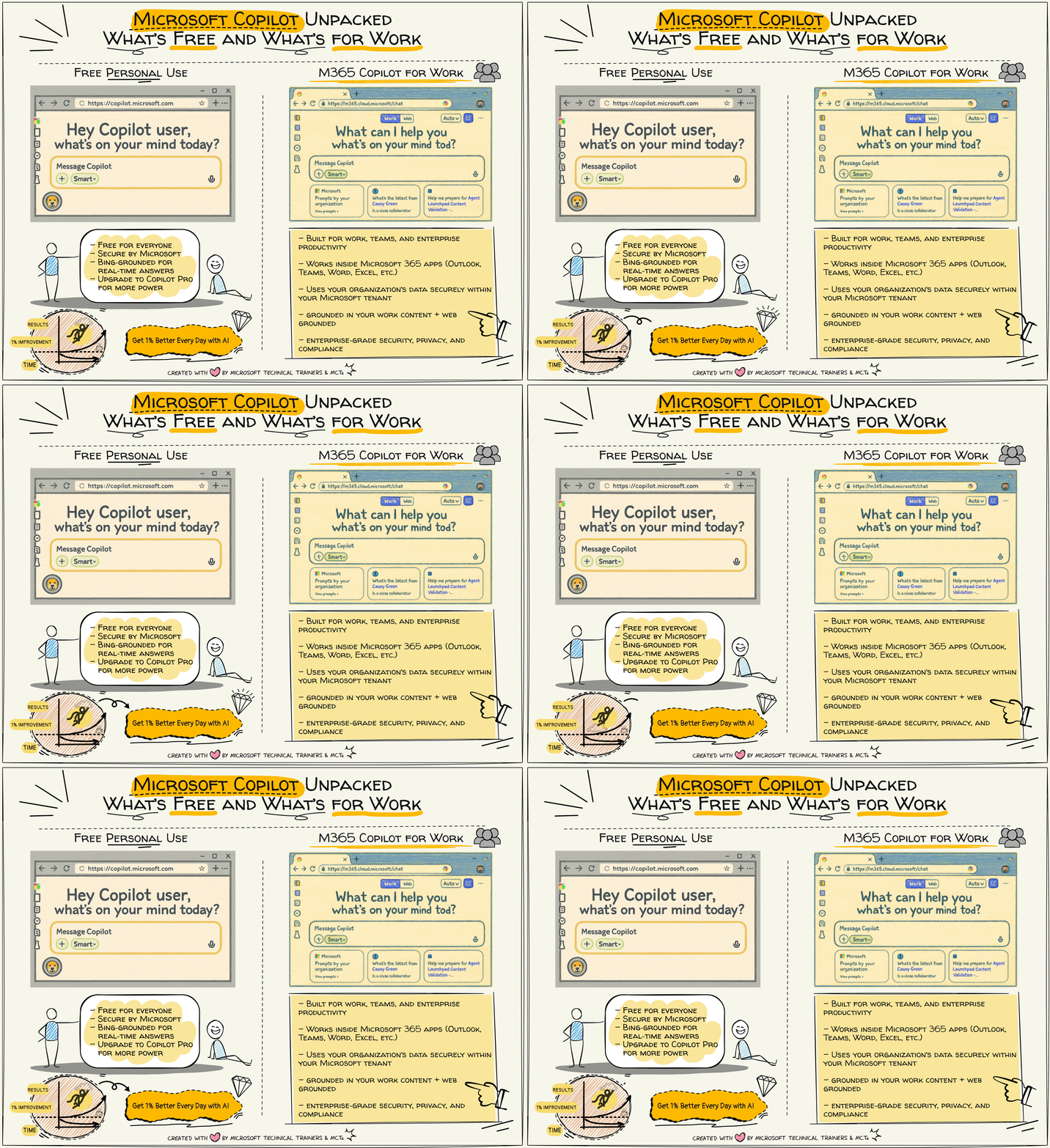
Microsoft Copilot Free Personal Use
Try it here: https://copilot.microsoft.com
Microsoft Copilot is available to everyone at no cost and provides AI assistance for everyday tasks such as writing, learning, planning, and general productivity.
Key Features
- Free for all users no subscription required
- Secured by Microsoft with enterprise-grade protections
- Bing-grounded by default for real-time, up-to-date answers
- Cross-platform access via web, mobile apps, and Windows
- Optional upgrade to Copilot Pro for:
- Faster performance
- Priority model access
- Enhanced creative tools
- Integration with Microsoft 365 Personal/Family apps
Microsoft 365 Copilot For Work
Access for work: https://m365.cloud.microsoft.com/chat
Microsoft 365 Copilot is designed for organizations and integrates deeply with your work data and Microsoft 365 apps to deliver secure, context-aware AI assistance.
Key Features
- Built for work, teams, and enterprise workflows
- Integrated into Microsoft 365 apps, including: Outlook, Teams, Word, Excel, PowerPoint, OneNote
- Grounded in your work content, such as: Emails, Documents, Meetings, Chats, Files stored in your Microsoft 365 tenant
- Optional web grounding when external context is needed
- Enterprise-grade security, privacy, and compliance
- Data stays within your Microsoft tenant
- No training on your organizational data
- Fully aligned with Microsoft's responsible AI standards
Quick Comparison
| Feature | Copilot (Free Personal Use) | Microsoft 365 Copilot (Work) |
|---|---|---|
| Cost | Free | Paid (per user license) |
| Grounding | Bing-grounded | Work content + optional web |
| Security | Microsoft security | Enterprise-grade, tenant-isolated |
| Integrates with M365 apps | No (unless Pro + M365 Personal) | Yes, full integration |
| Best For | Personal tasks | Work, teams, enterprise |